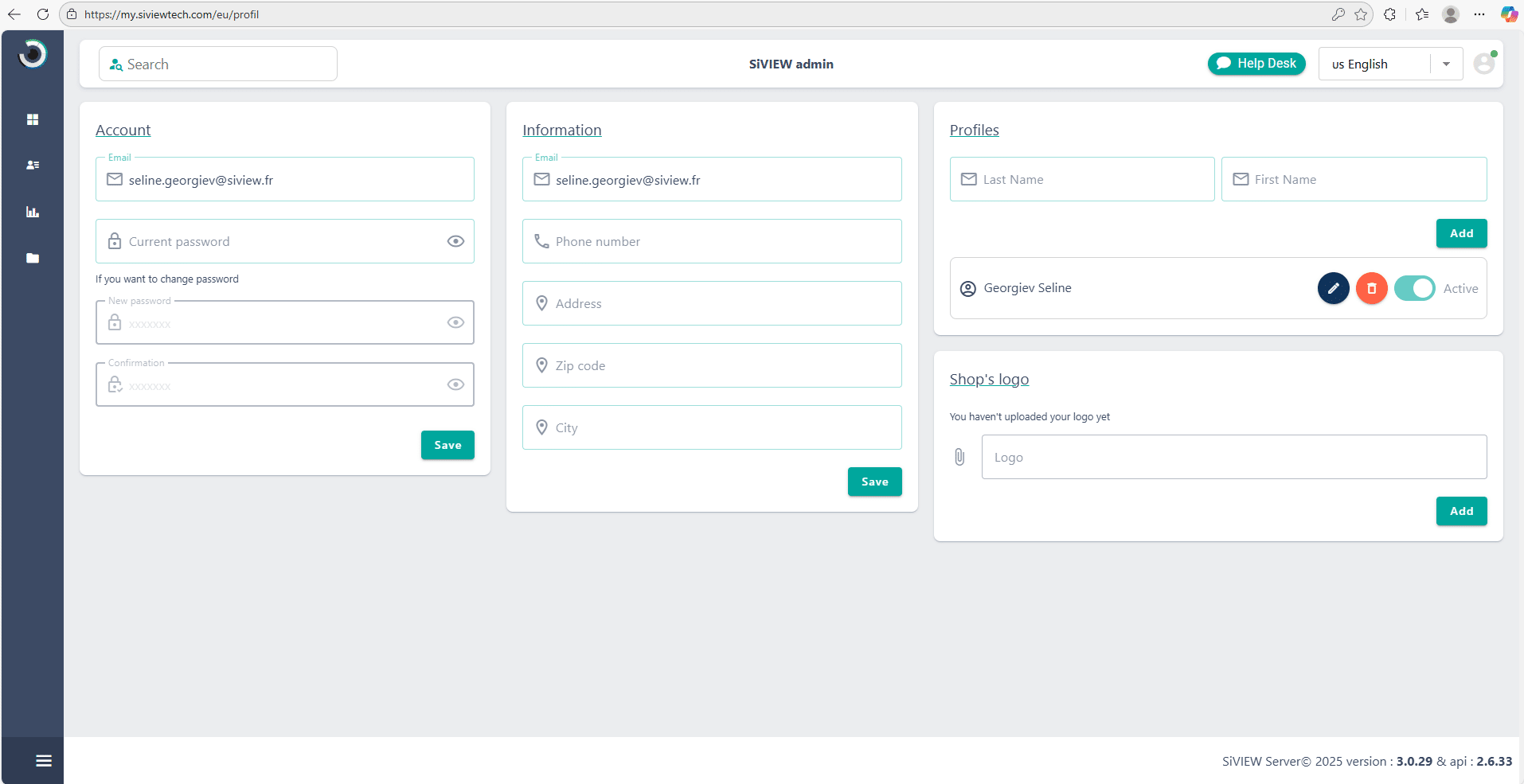
It provides access to your store’s information, such as the email address associated with the account, your address, and the store’s logo.



Your personnal account is designed to help you find your patients, access their records, and easily view exam results.
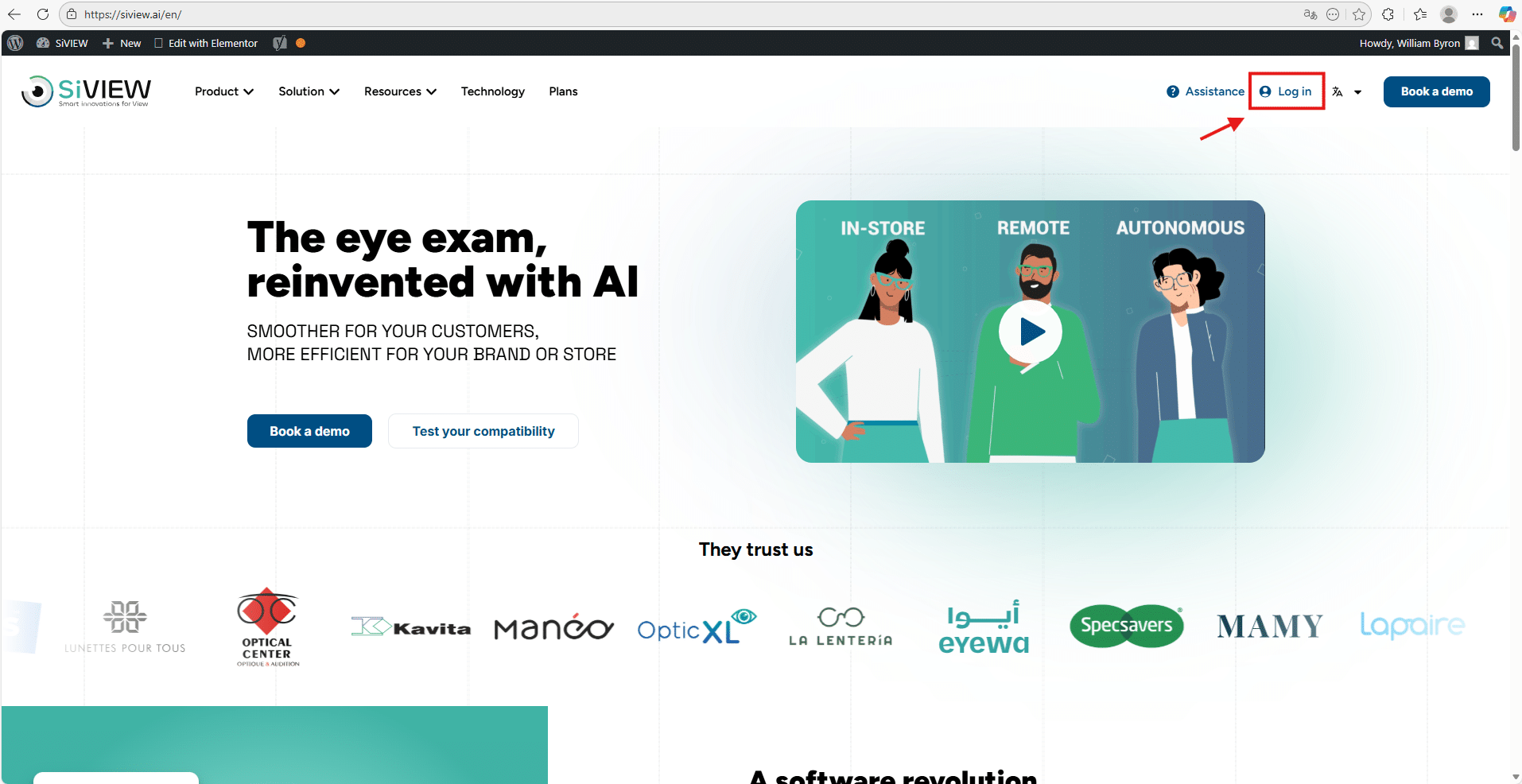
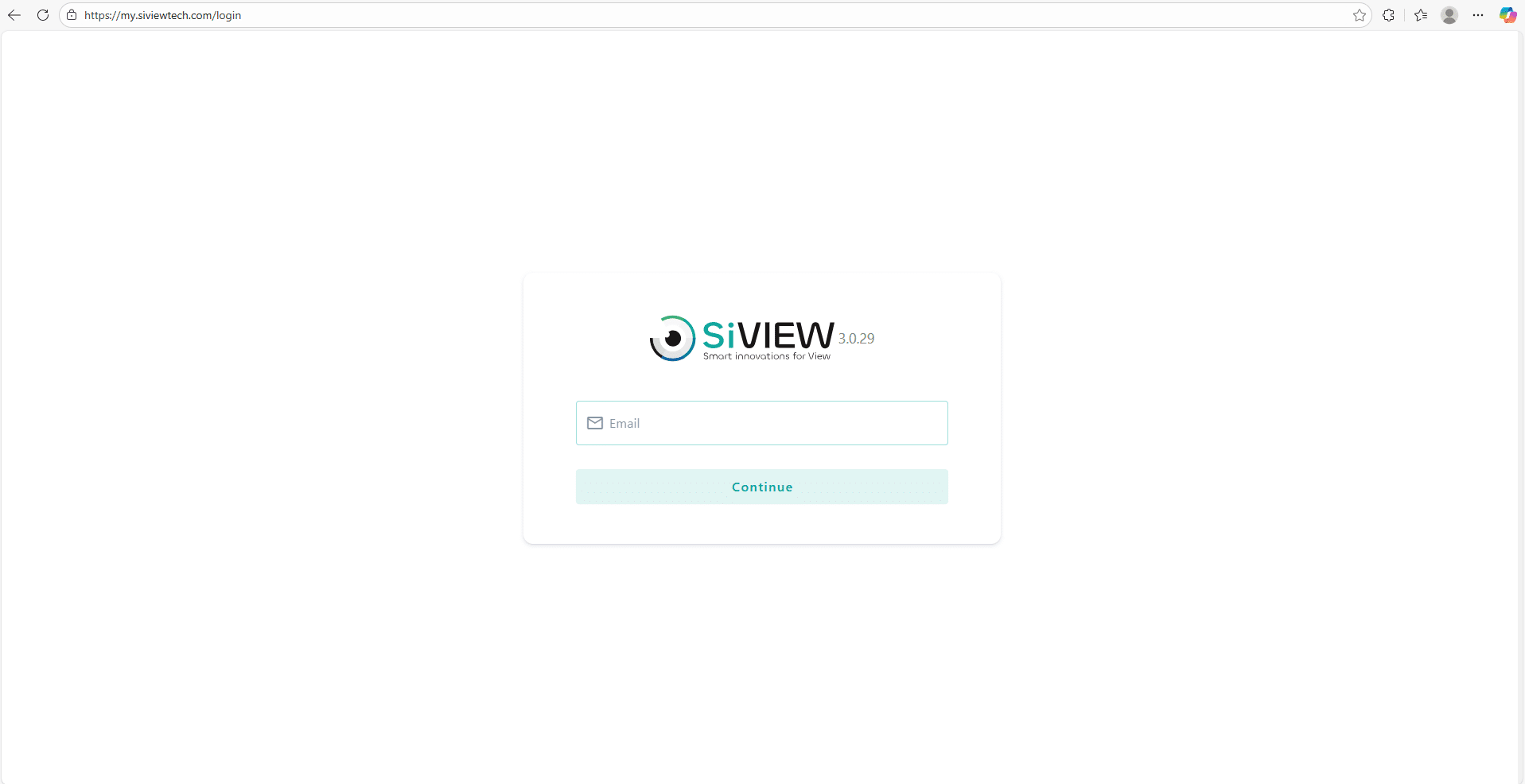
To access your space, go to SiVIEW – AI for fast, reliable eye exams
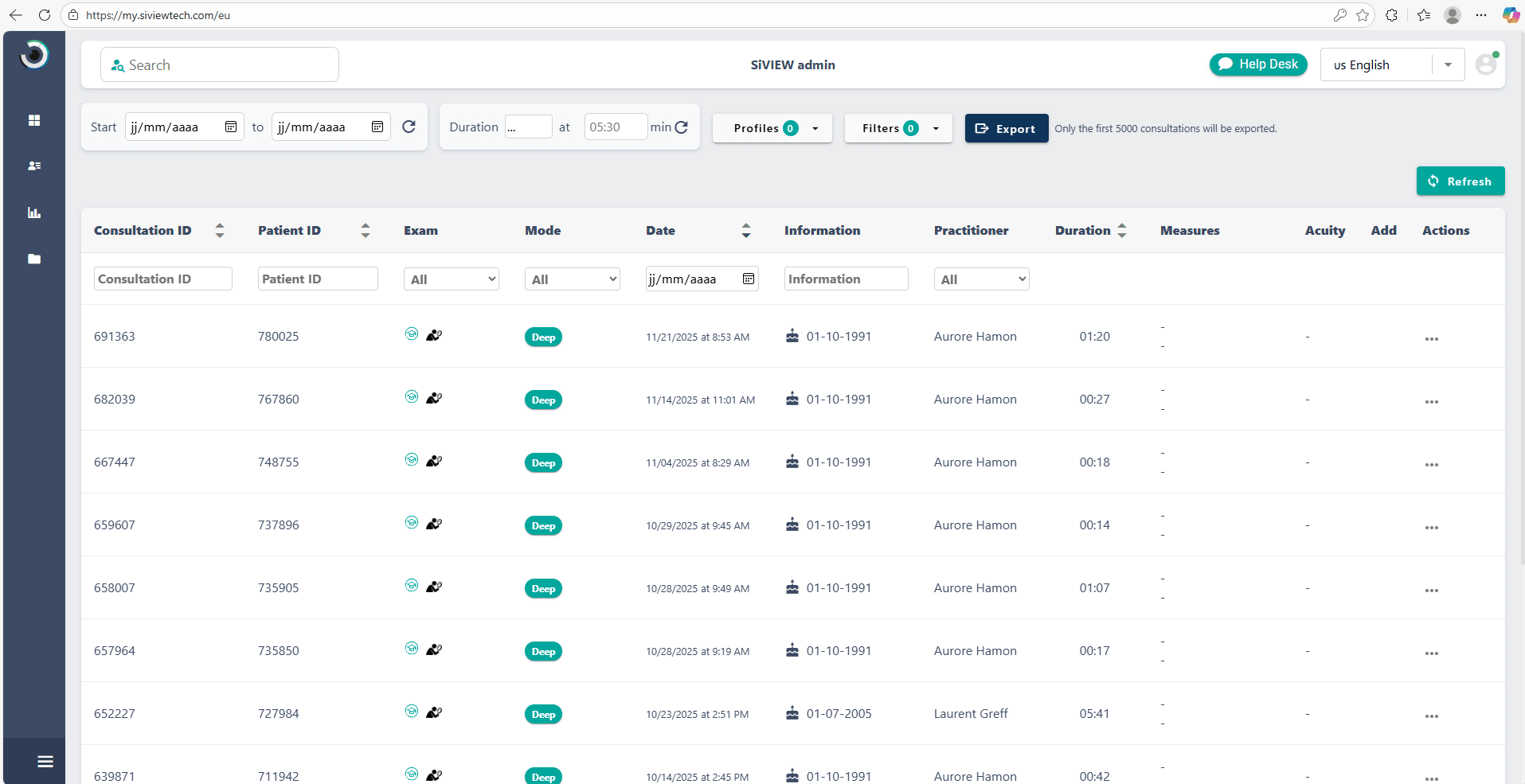
On the left side of the screen, the blue navigation bar gives you quick access to the different sections of the portal.
From this sidebar, you can access directly, using the icons:
At the top of the screen, in the upper bar, the “Profile” icon is available at any time.
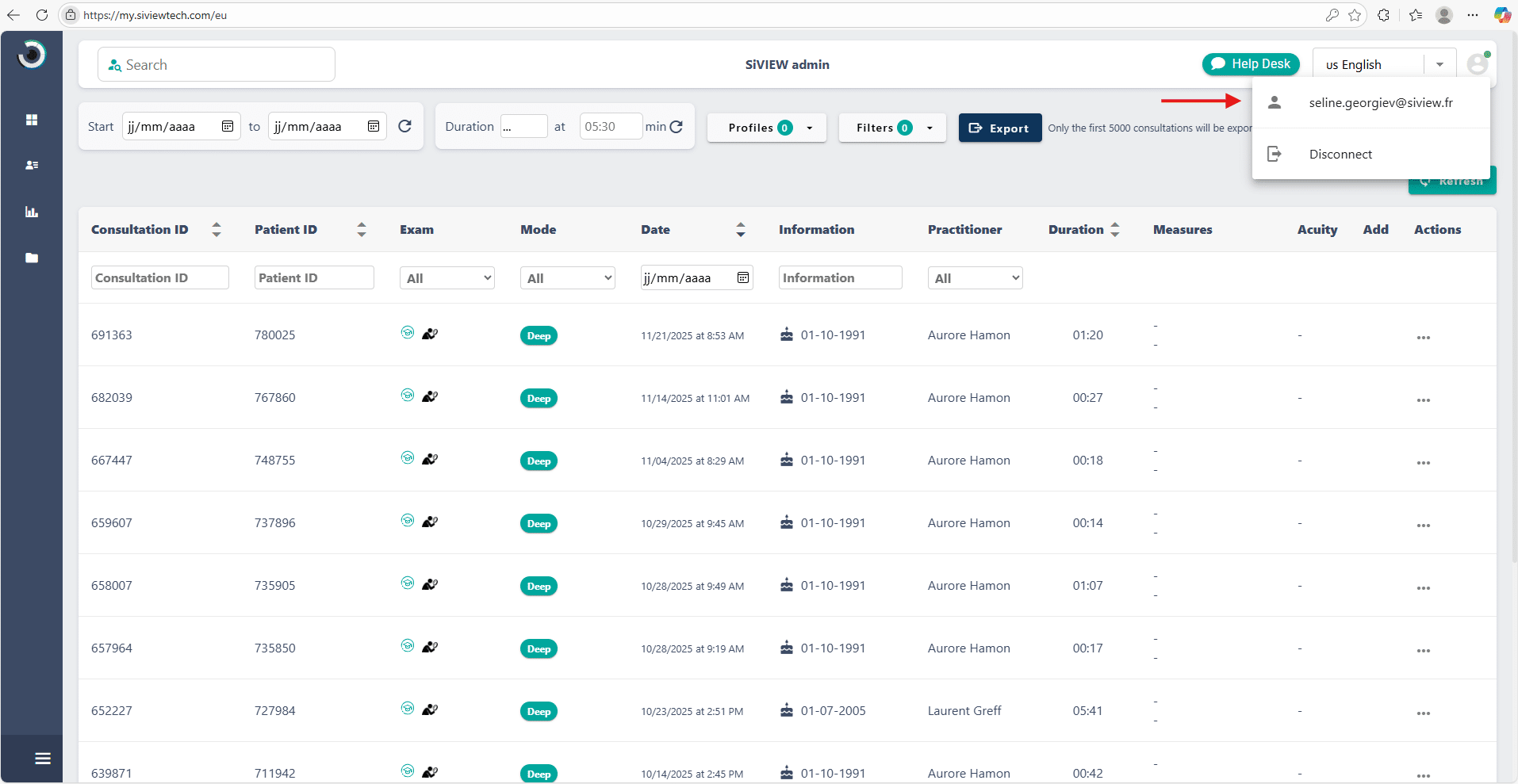
This space also allows you to manage the practitionr accounts linked to your store, so you can add, edit, or delete users according to your needs.
We hope this article has been helpful and that you found answers to all your questions. If you need any further assistance, please do not hesitate to contact us.