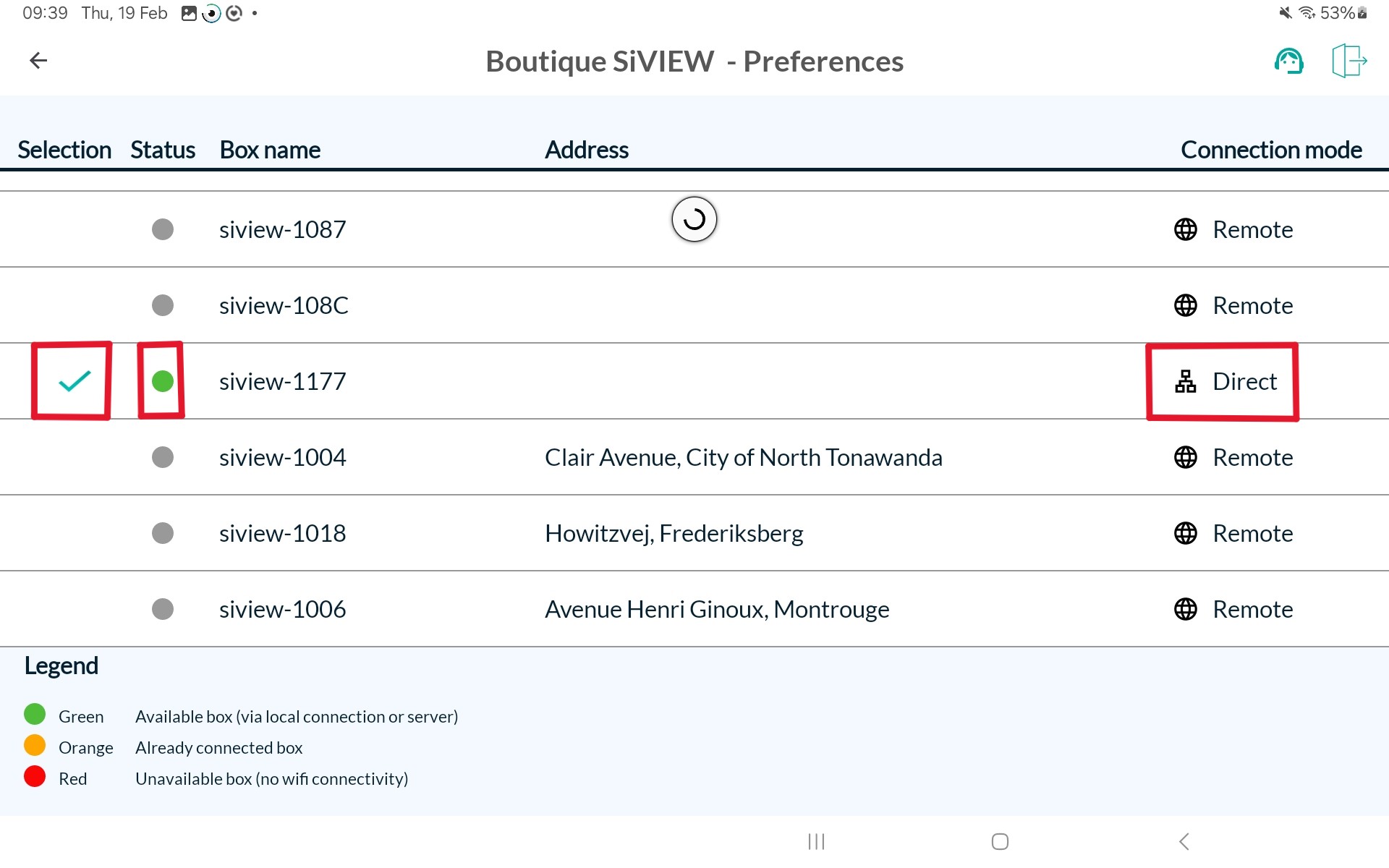
Remote mode allows the tablet to access the box remotely via the Internet, through an intermediary service, providing off-site access but depending on network quality and connection availability.



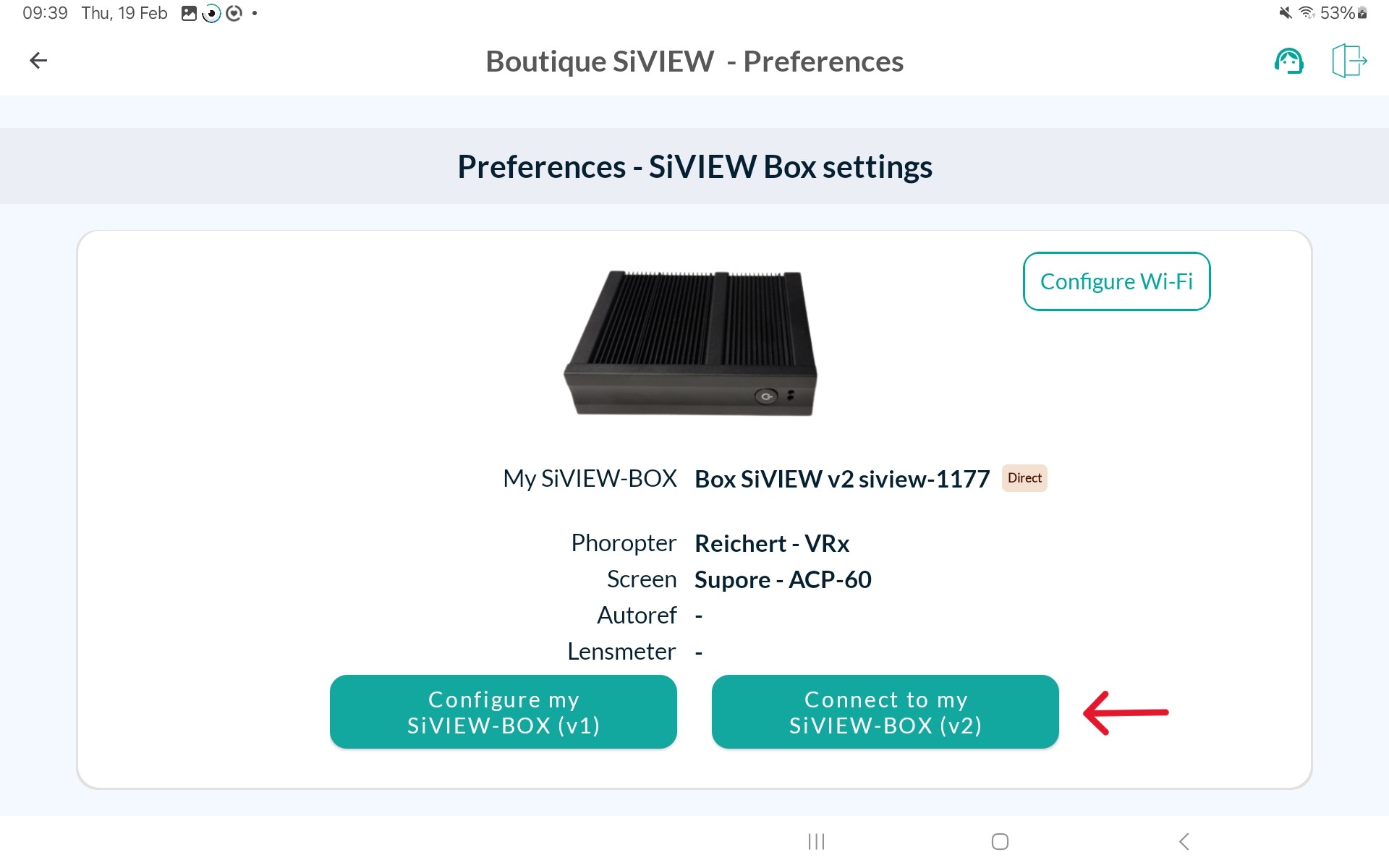
The SiVIEW tablet can connect to the box in two modes: direct mode, by connecting to the Wi-Fi network broadcast by the SiVIEW box, and remote mode, via the Internet for remote access.
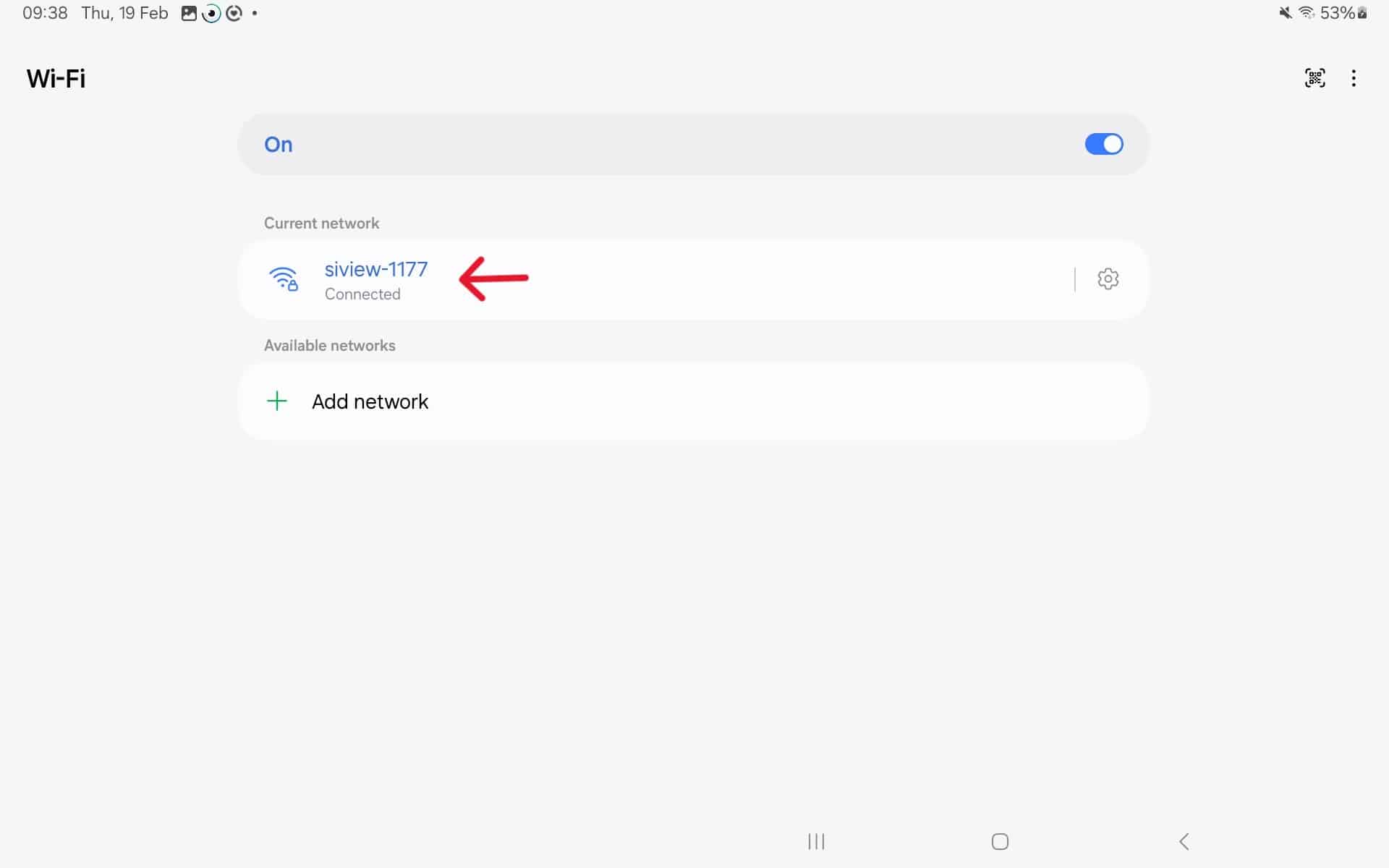
Direct connection is recommended because the box broadcasts its own Wi-Fi network, allowing the tablet to connect locally. This connection mode provides faster and more stable communication. It ensures greater reliability for configuration, operation, and maintenance.
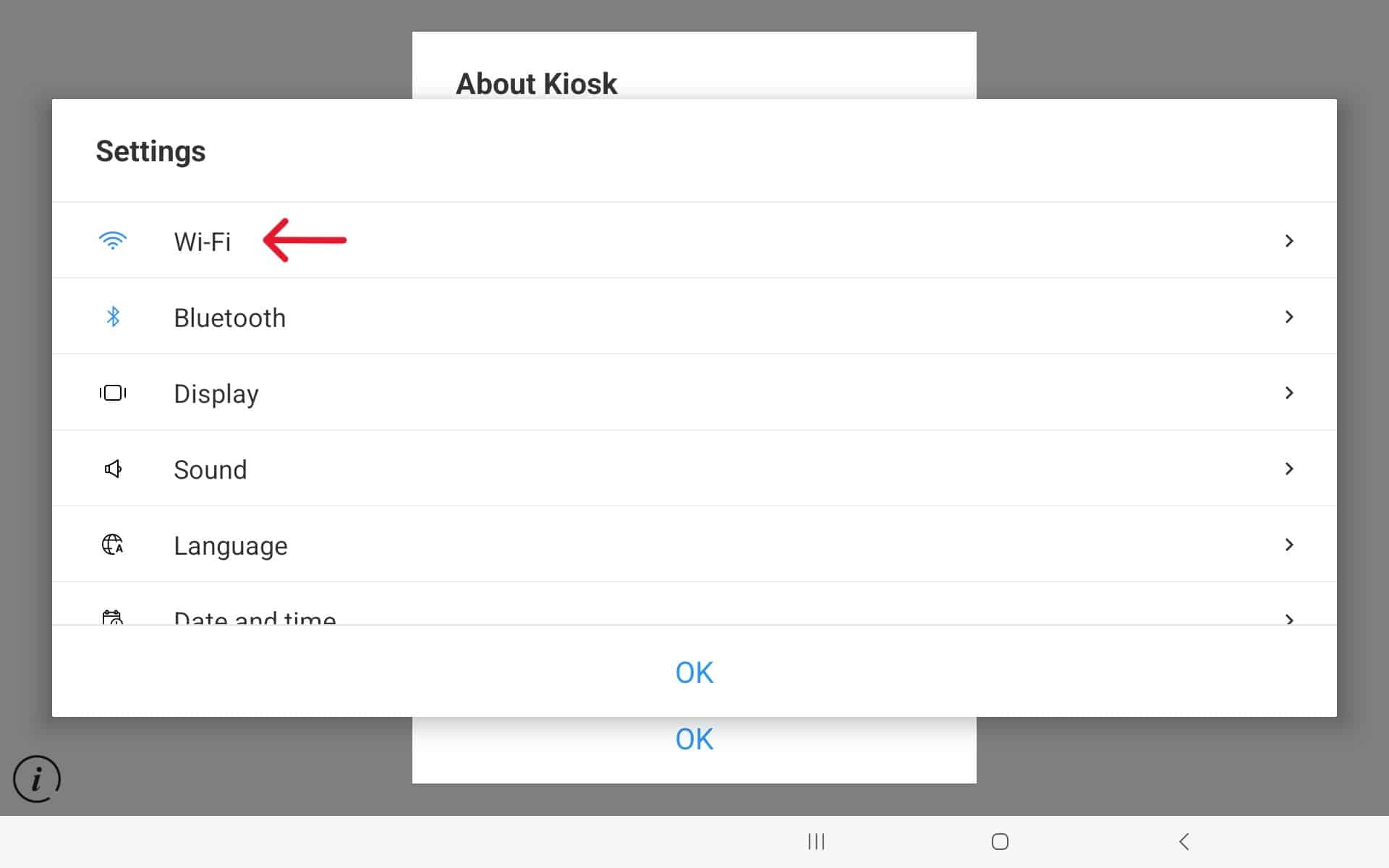
=> You can easily find the reference for your SiVIEW BOX on the label attached to its side.
Do not connect to any other network.
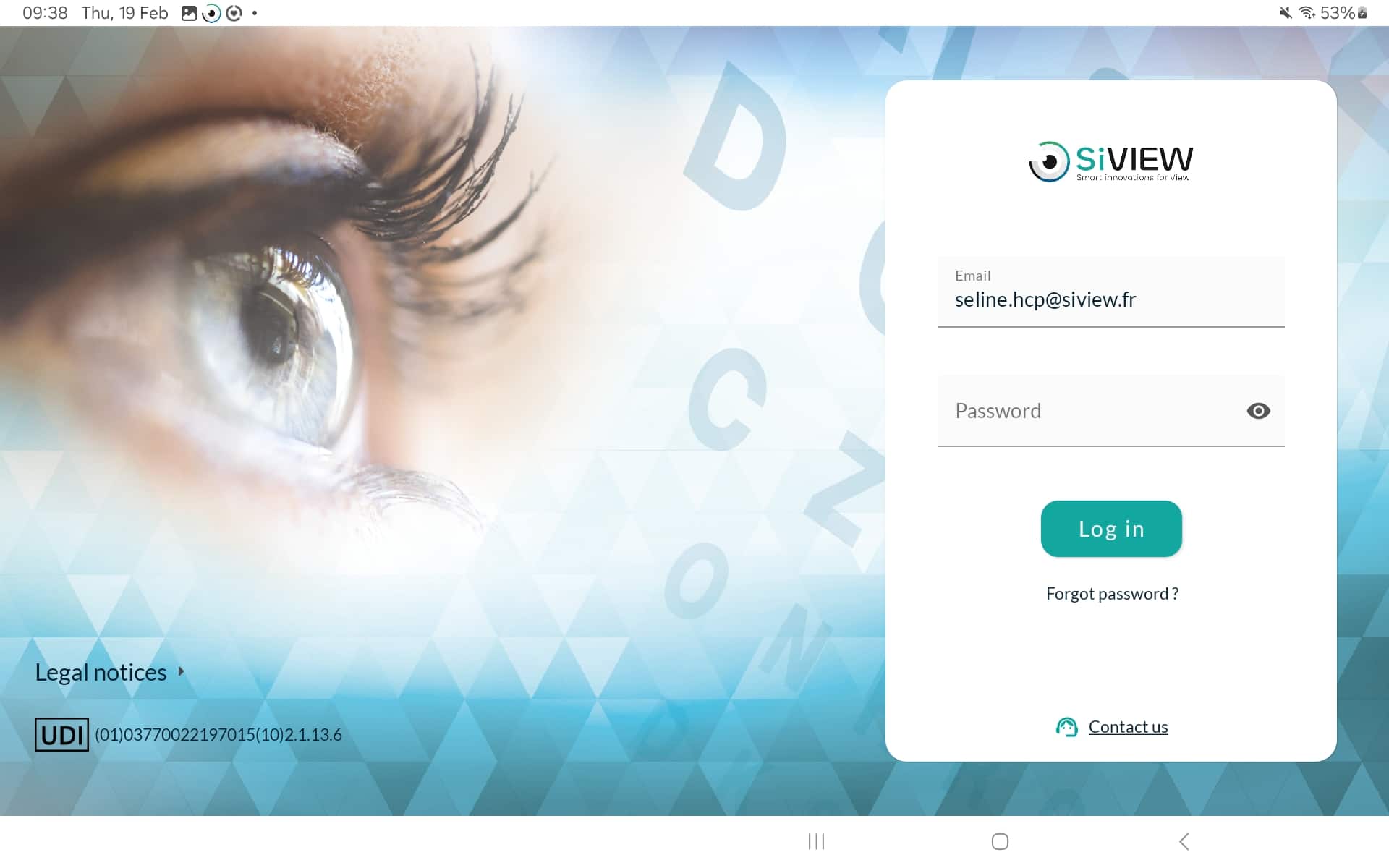
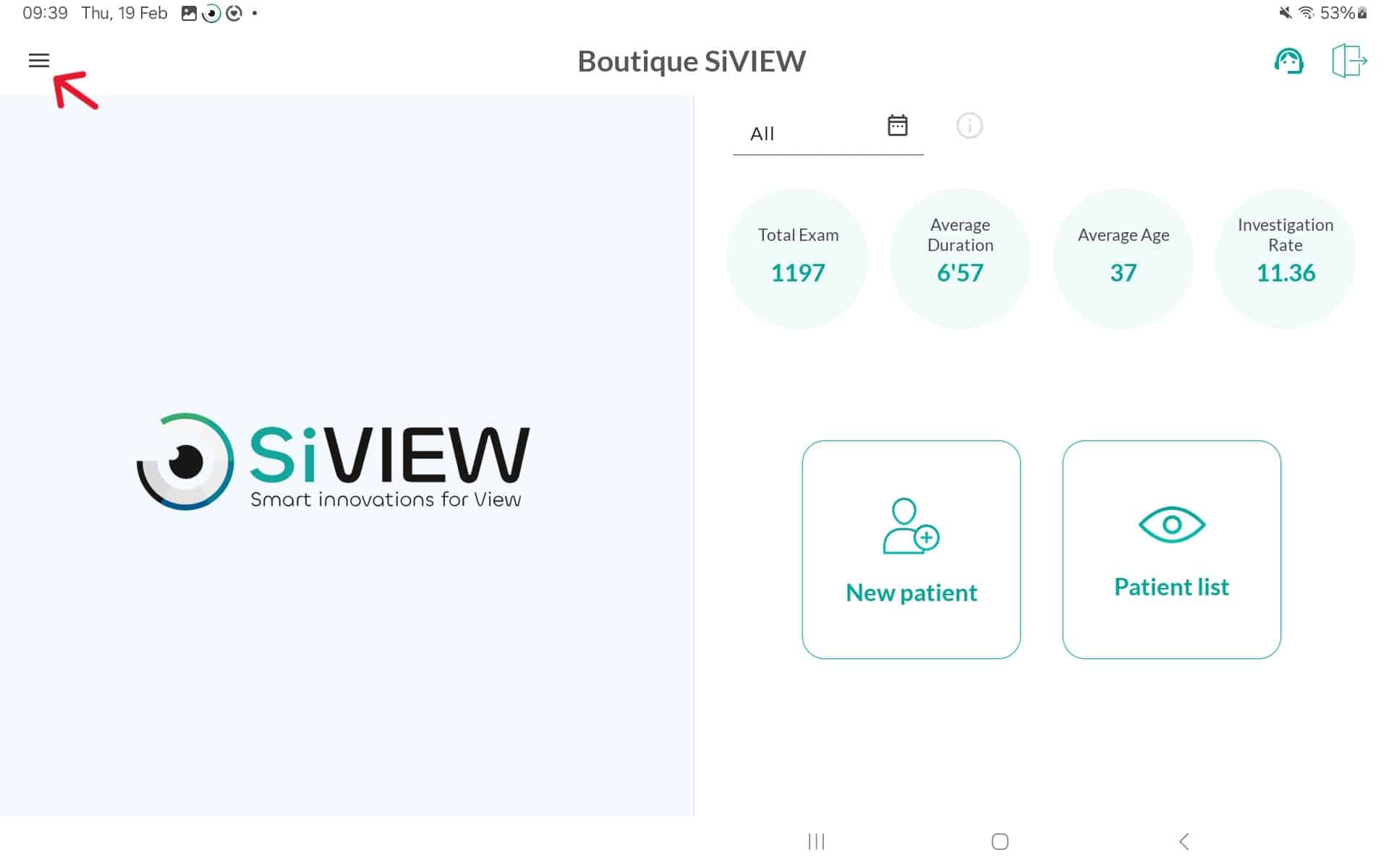
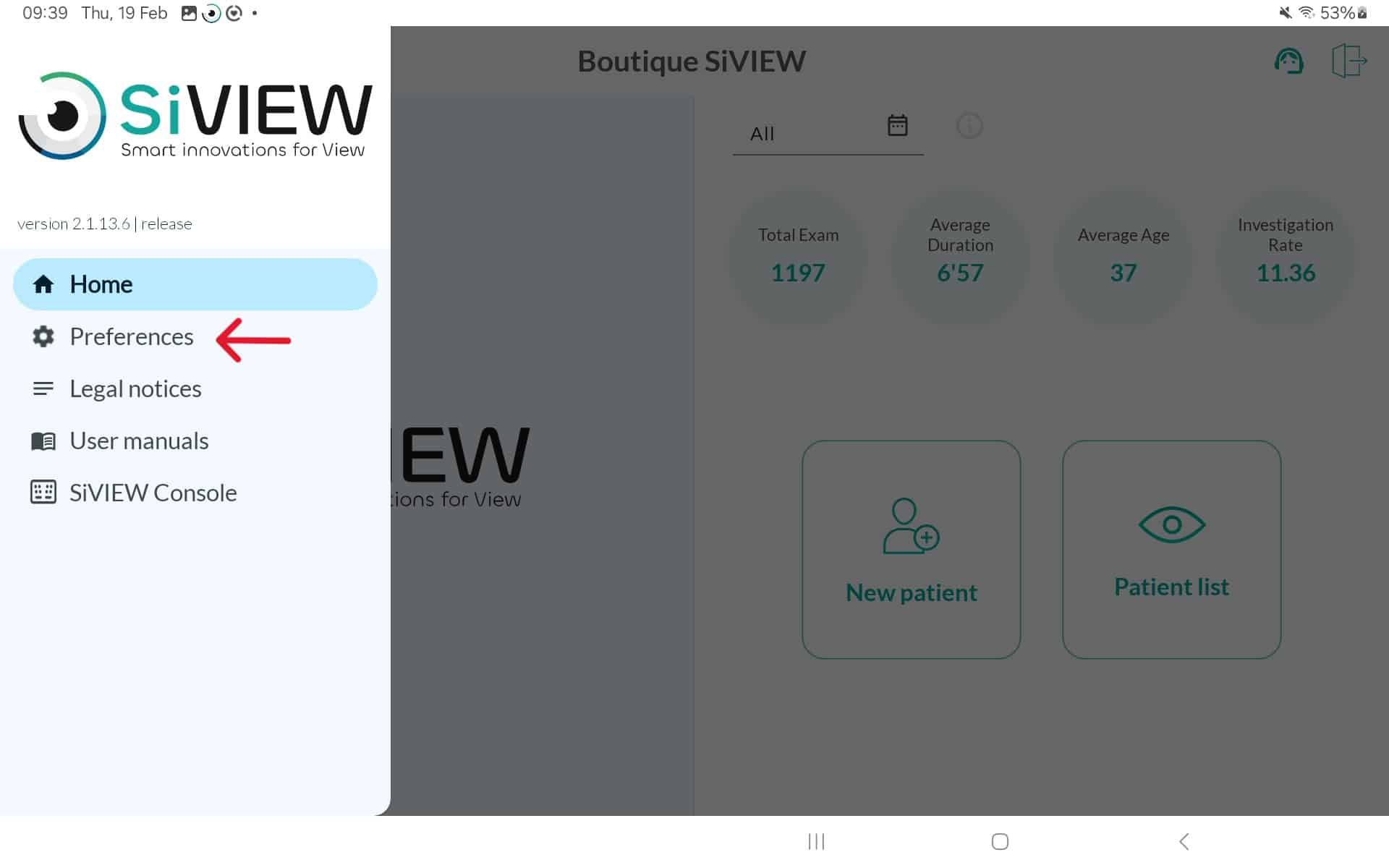
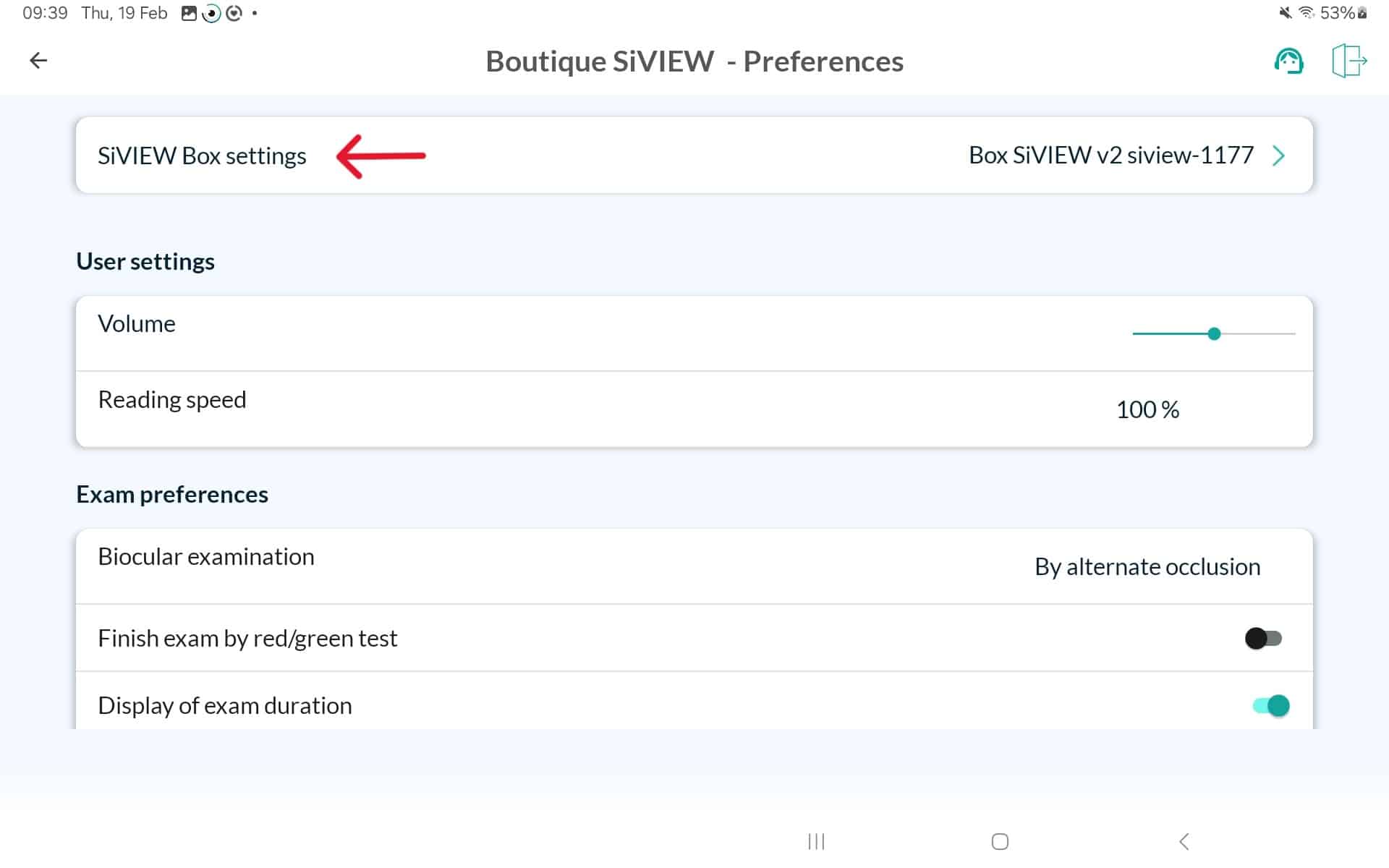
Next, select « SiVIEW Box Settings » by tapping several times on the store name at the top of the page