Losing connection with the head and/or the screen

Problem description

I can’t control the head and/or the screen with SiVIEW.

Solution

Step 1: Check the infrared dongle

  • Check that the dongle is correctly aimed at the screen.

This dongle works like a remote control: it uses an infrared signal that must be directed toward the screen to function properly. Make sure there are no obstacles between the dongle and the screen, and that iy is positioned facing the screen.

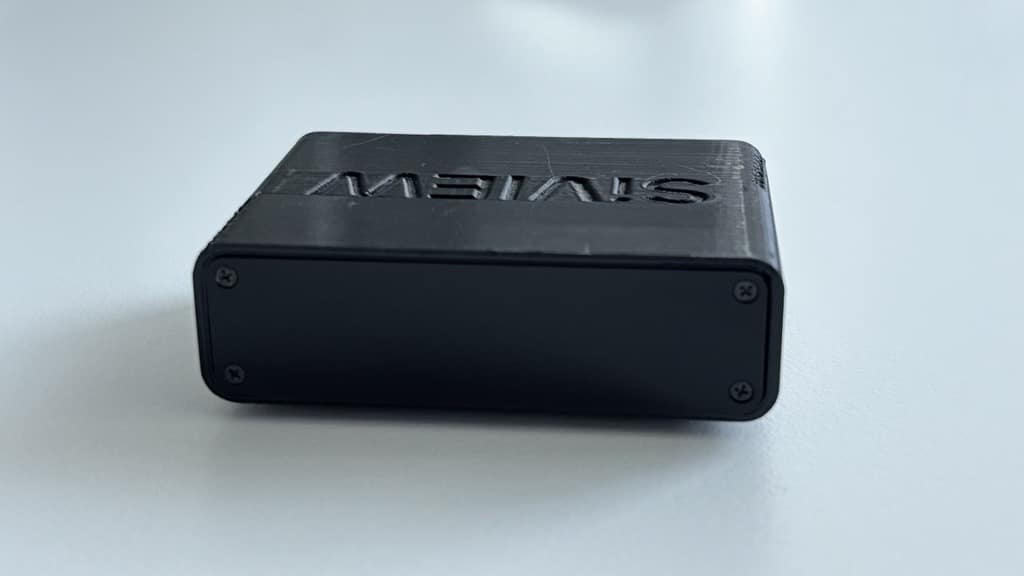
  • The IR dongle is small black box with the SiVIEW label on top and a green light on the back. It is usually placed high up, above the phoropter.

Note: the smooth side of the dongle should be facing the screen, not the side with the green led.
  • Also consider the following setup: when the screen is positionned above the patient, the infrared dongle must be aimed at the mirror.

Step 2: Check the connection between the tablet and the head and/or the screen

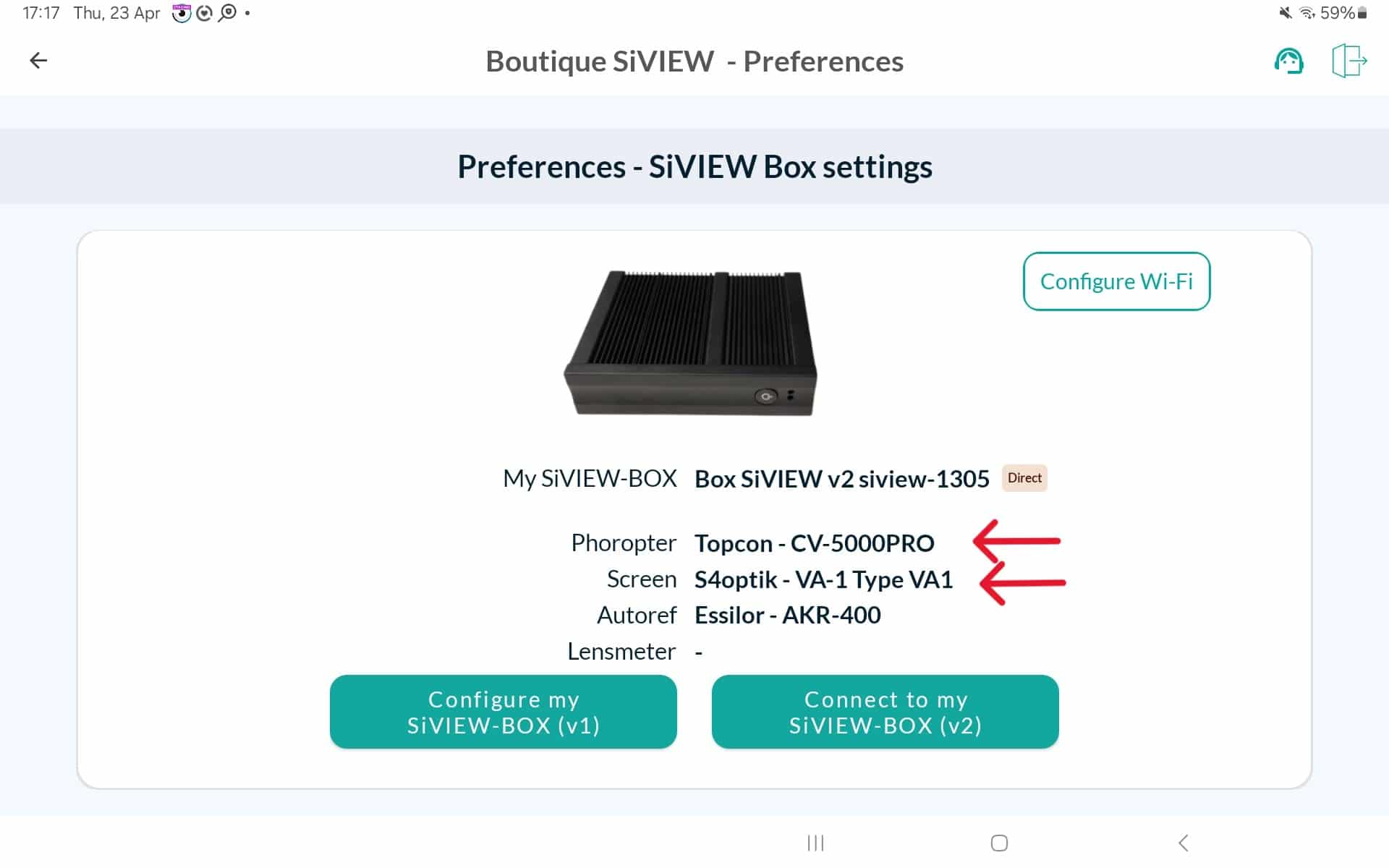
  • Make sure that the screen and/or the head is/are detected by the SiVIEW tablet by checking the box settings.

Step 3: Check the connections

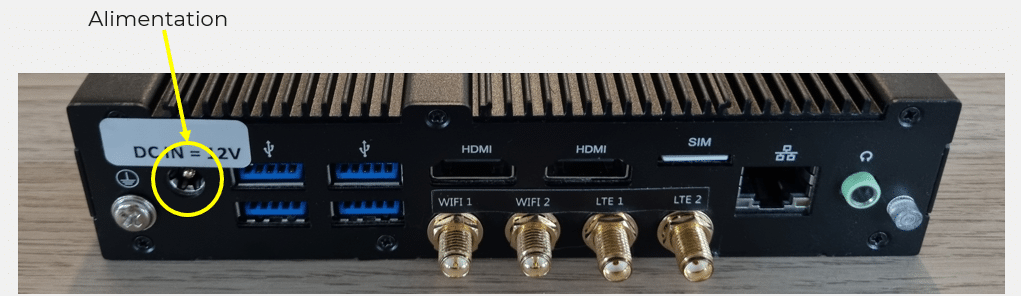
  • If the problem persists, check all cables and connections to make sure they are properly connected. If your tablet still does not display the screen and/or the head, unplug and reconnect the dongle located at the back of the SiVIEW box. To refresh the device display, leave this page and then return to it.

If it still doesn’t work despite all checks, please do not hesitate to contact us.

Is your problem still unresolved?

Contact our Technical Support

Fill in our customer support form
or contact our specialists.