



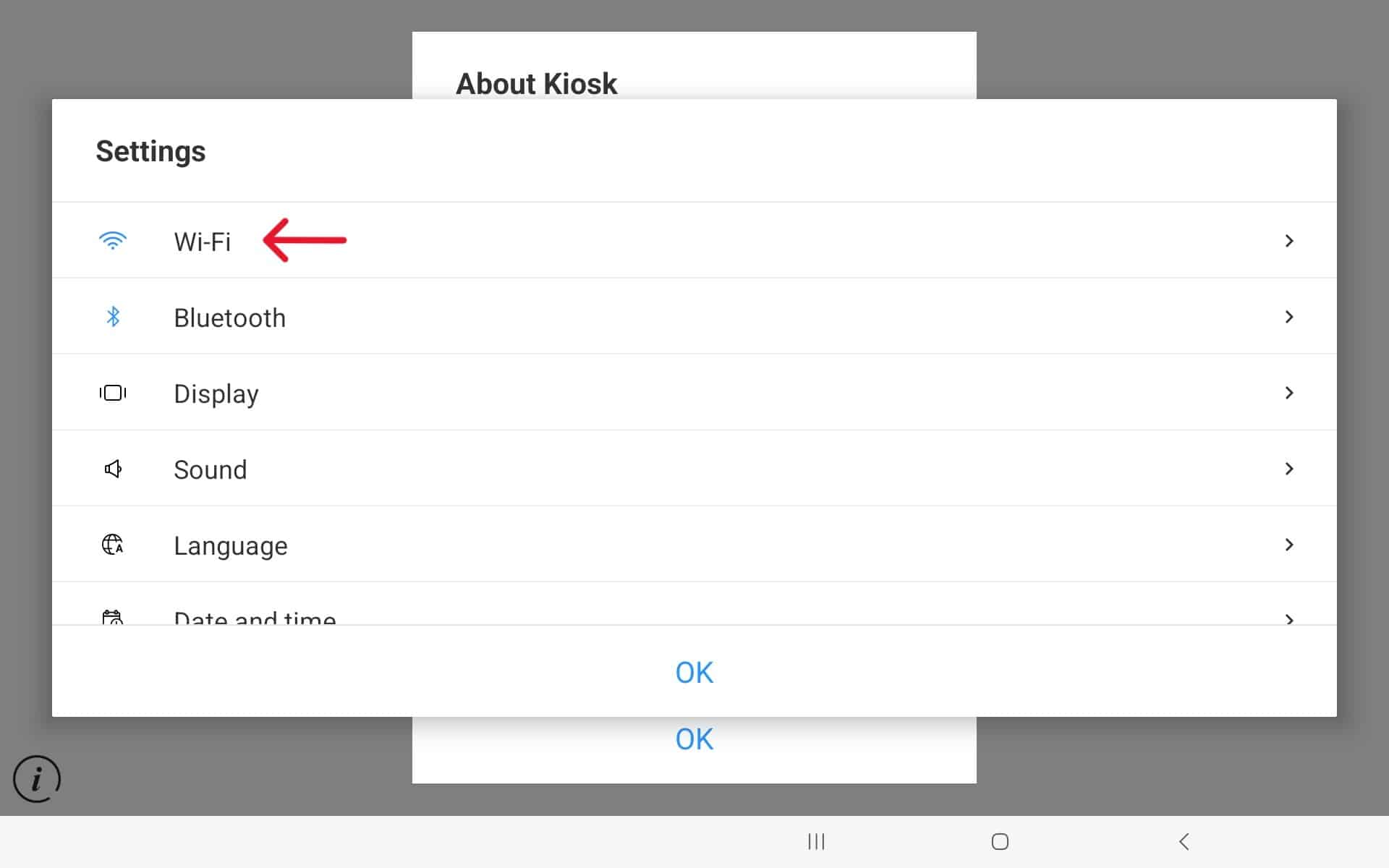
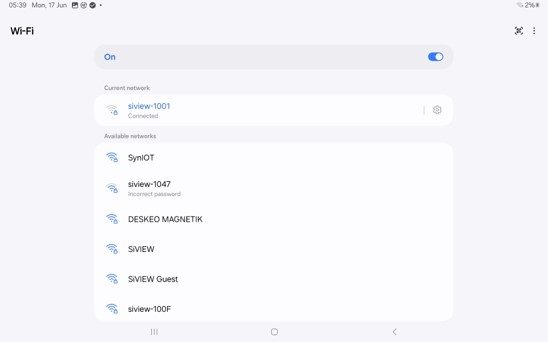
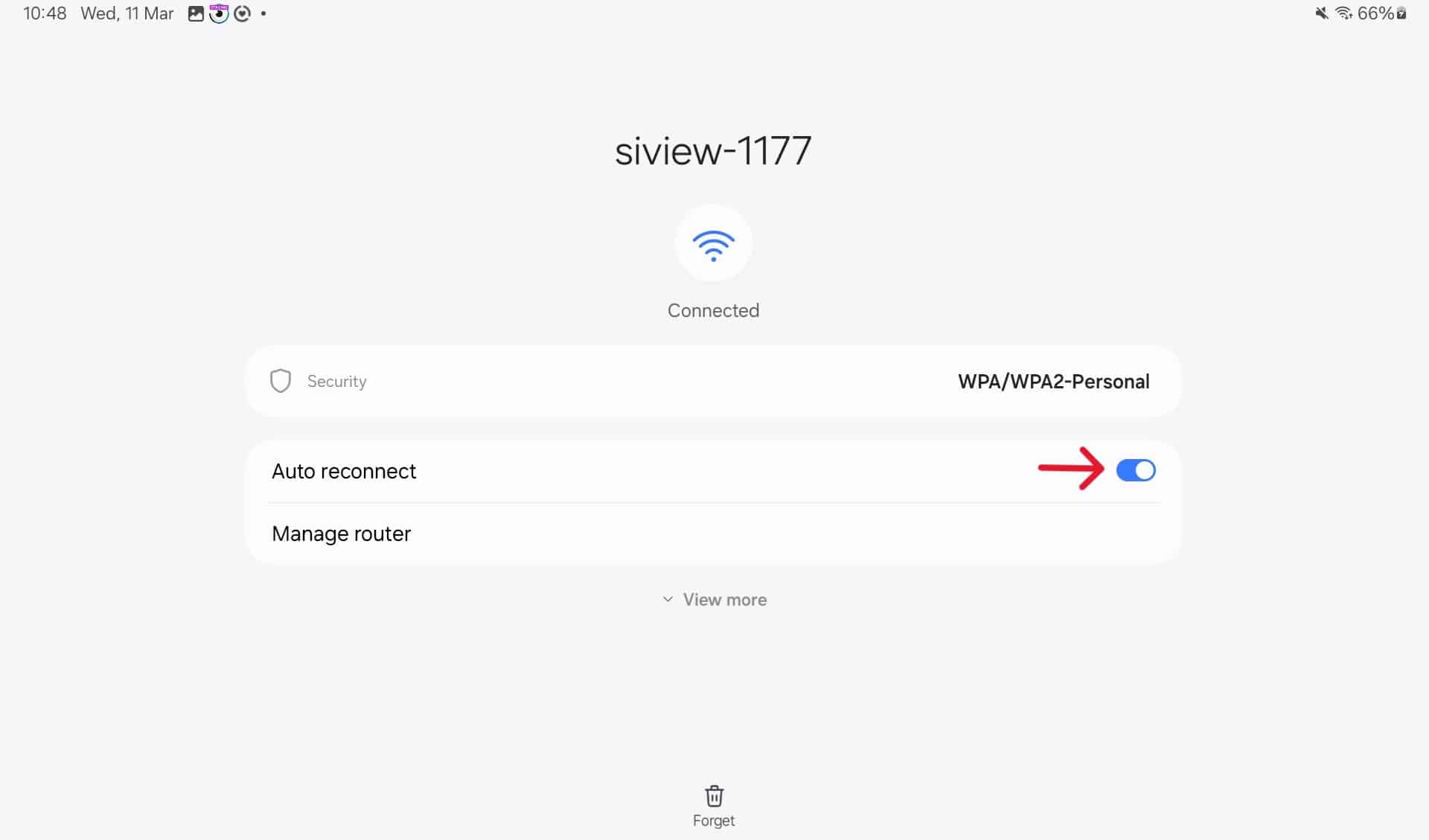
Please don’t connect to another network.

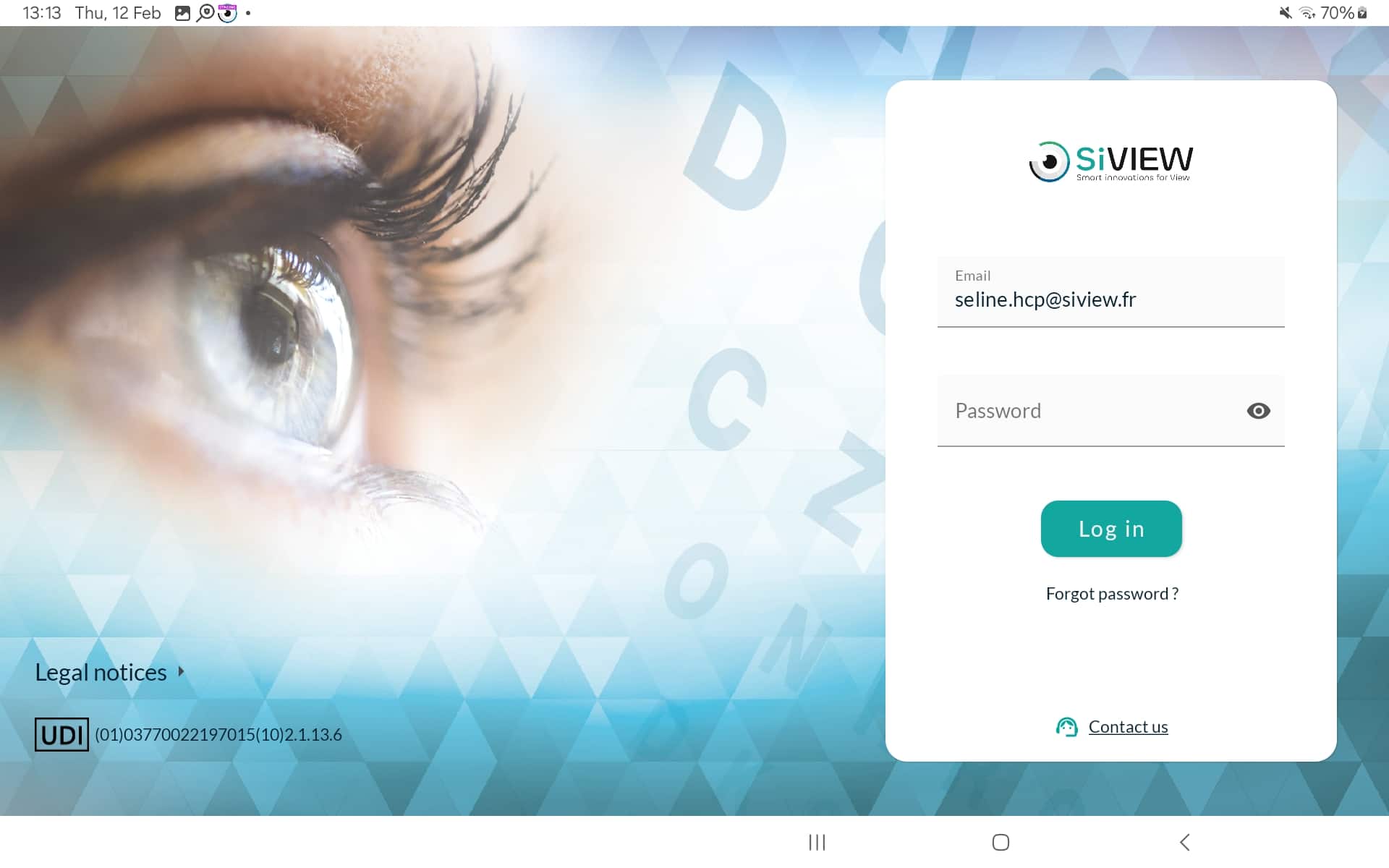
Notice : If this is your first time using the V2 application, you will be prompted to accept the terms of use.
To accept the terms of use, scroll down the text, select the ‘I accept’ checkbox, and enter the store’s name.
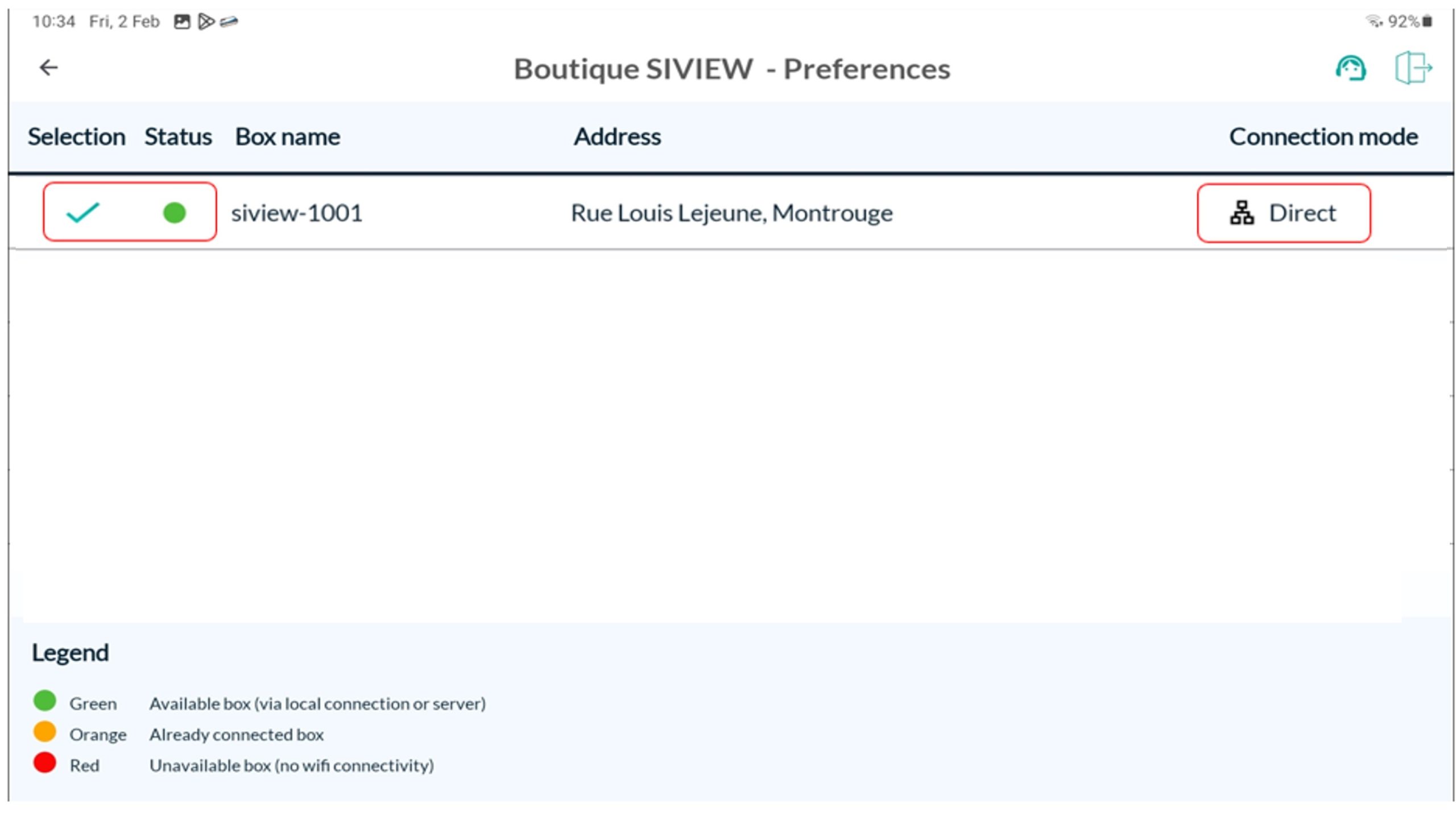
Notice: If the “checked” symbol does not appear, it is imperative to click again on the box number to select the box.
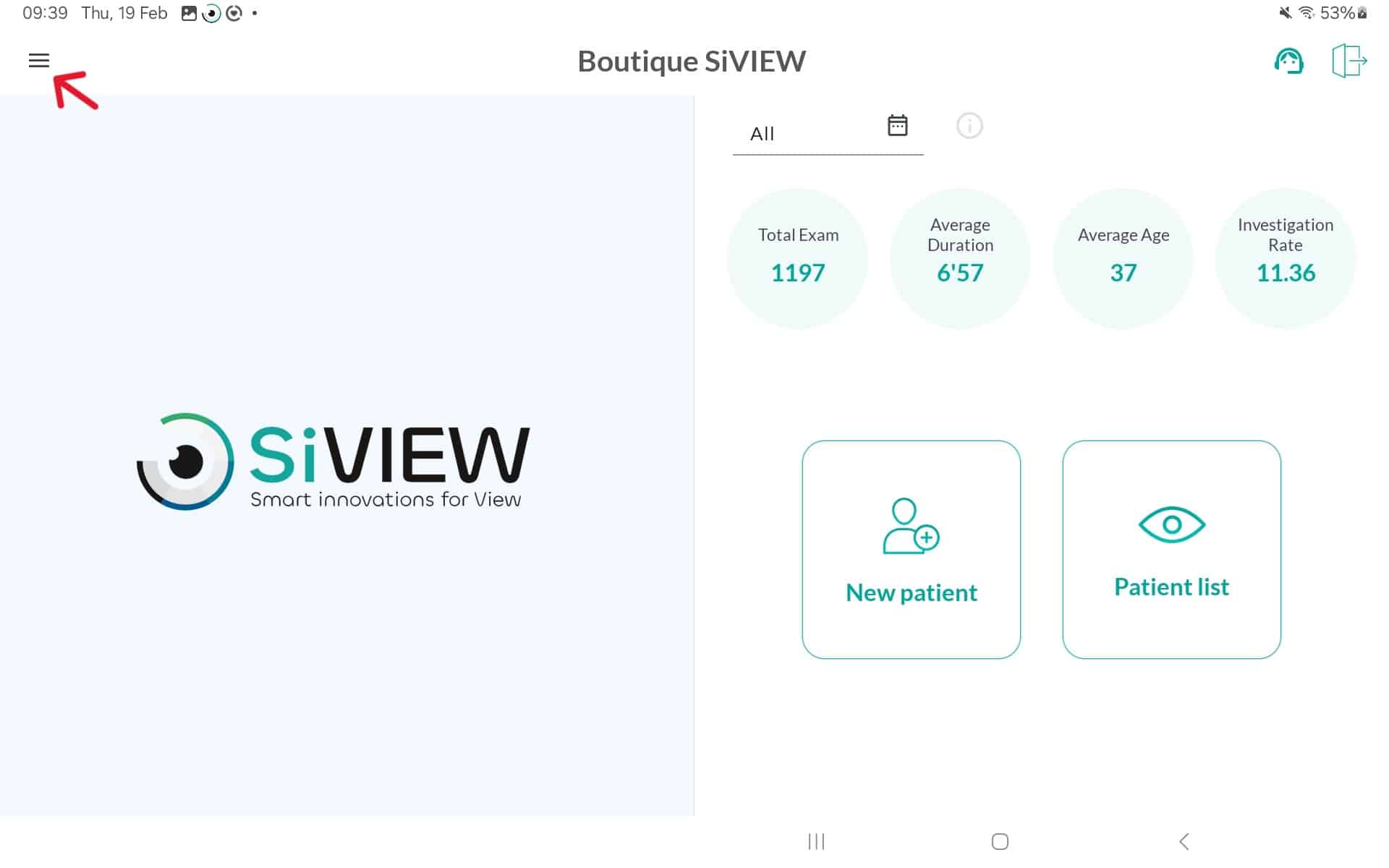
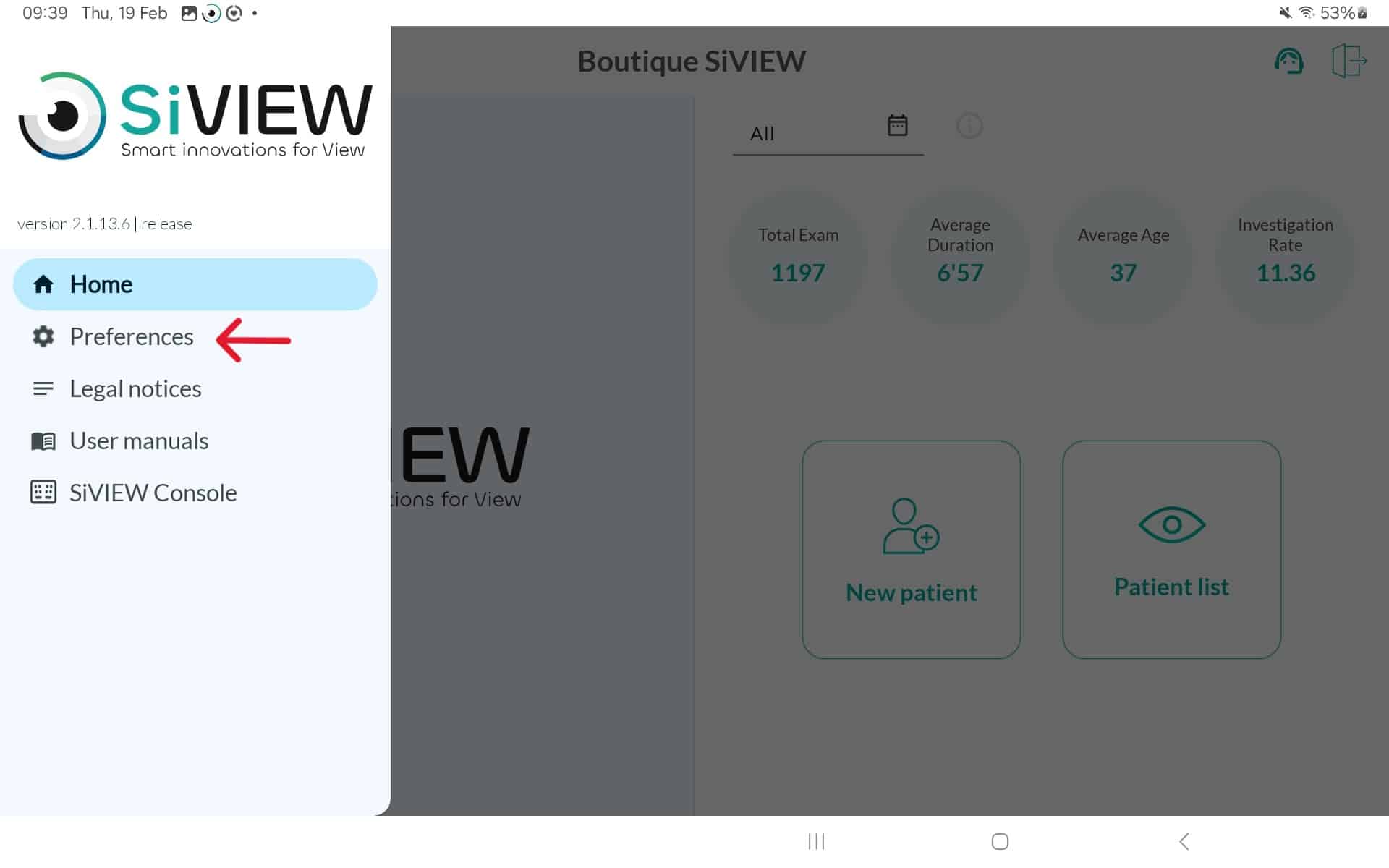
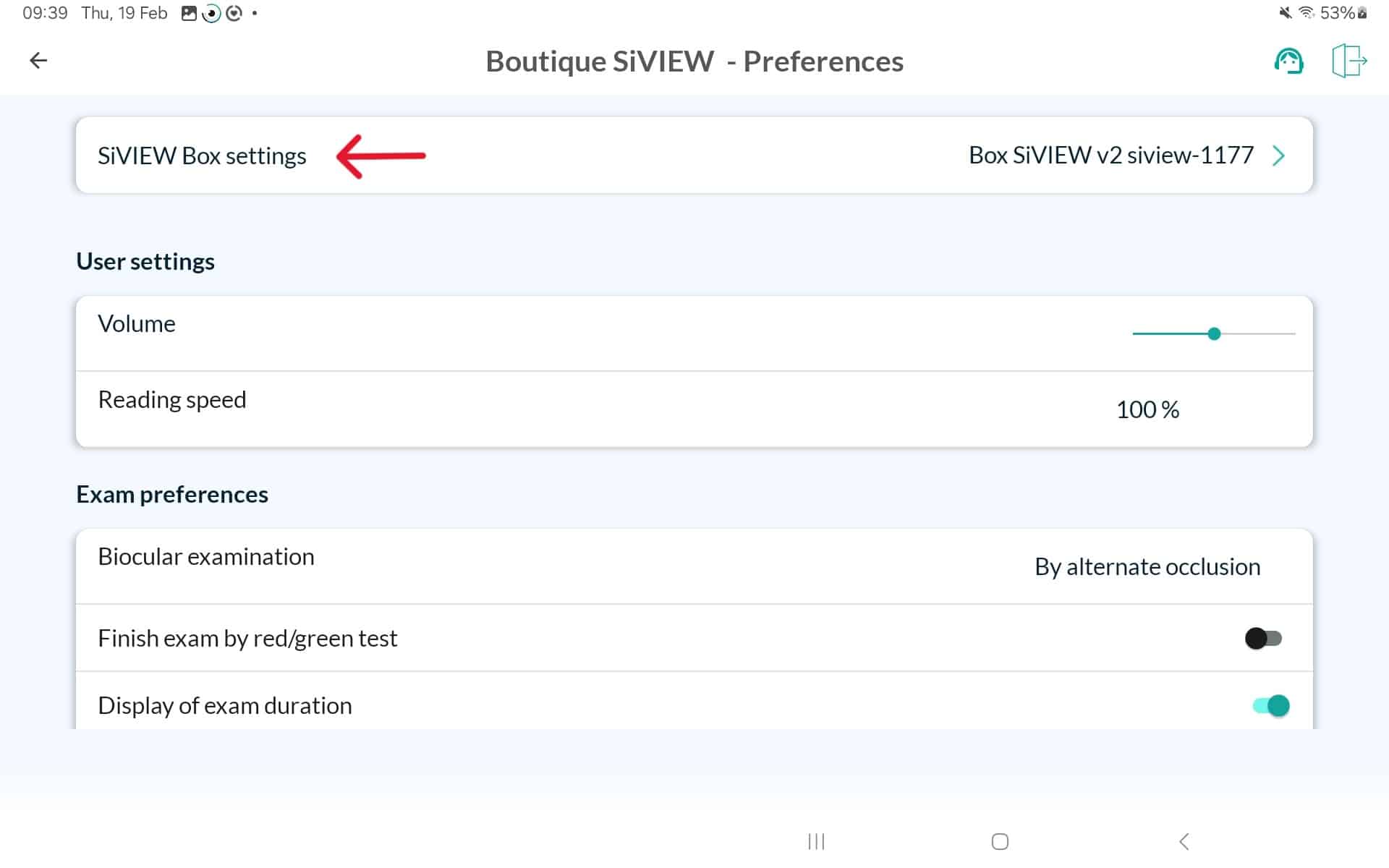
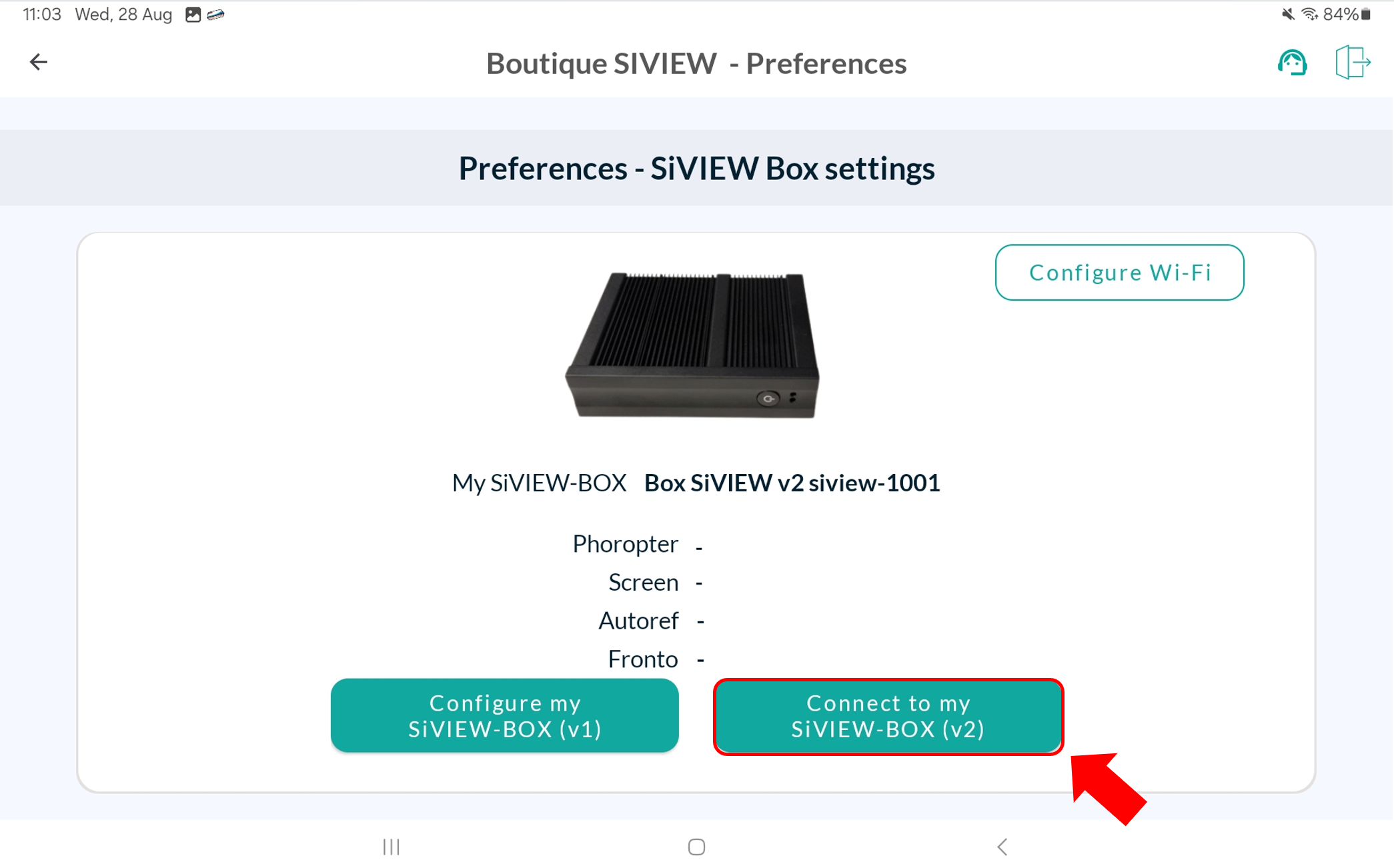
Return to the application’s home page, click on “New Patient,” and perform a test examination.
Verify the operation of:
If everything is working correctly, you can now connect your box to the internet by following our guide HERE.